
Empathy Global / Parent
school accessYour child’s school day, a little closer.
See the updates your school shares, write to your child’s teachers and keep programmes and paperwork together.
For parents and guardians connected to a participating school.
Parent connects you with your child’s school. For everyday guidance at home, explore ASK for parents.
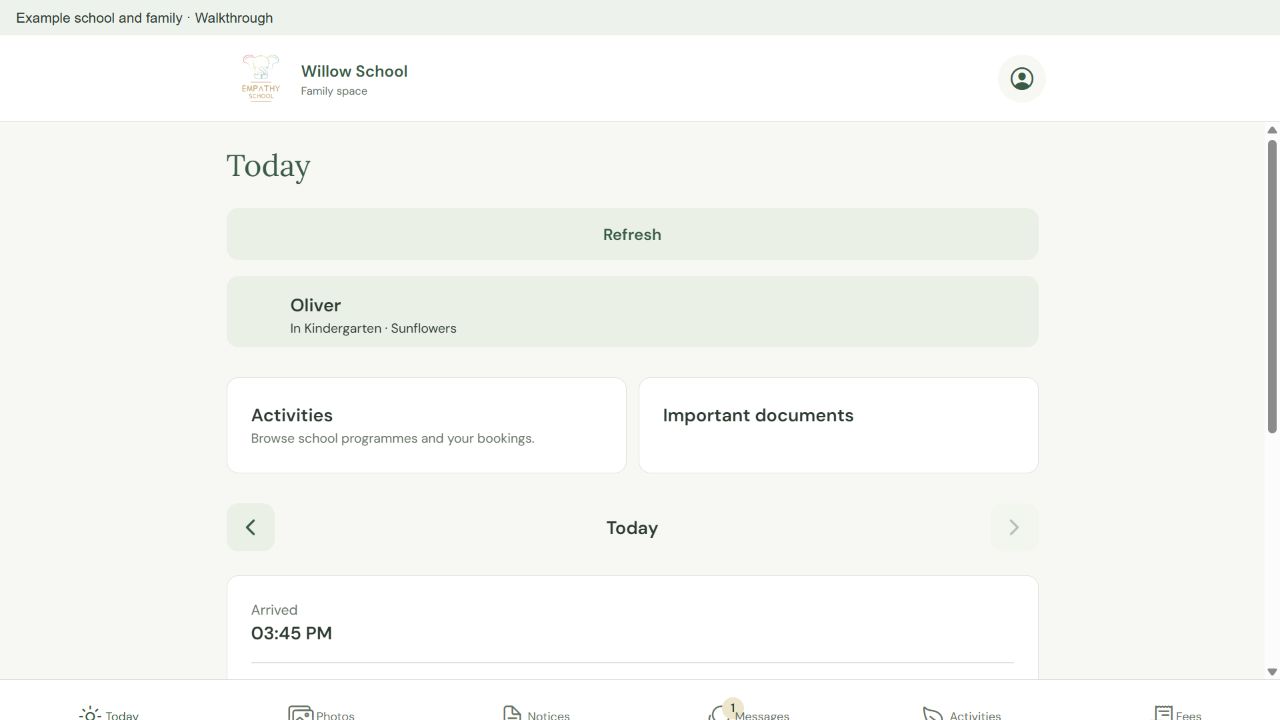
Follow your child’s day, write to teachers and explore school programmes.
Choose what you need to do
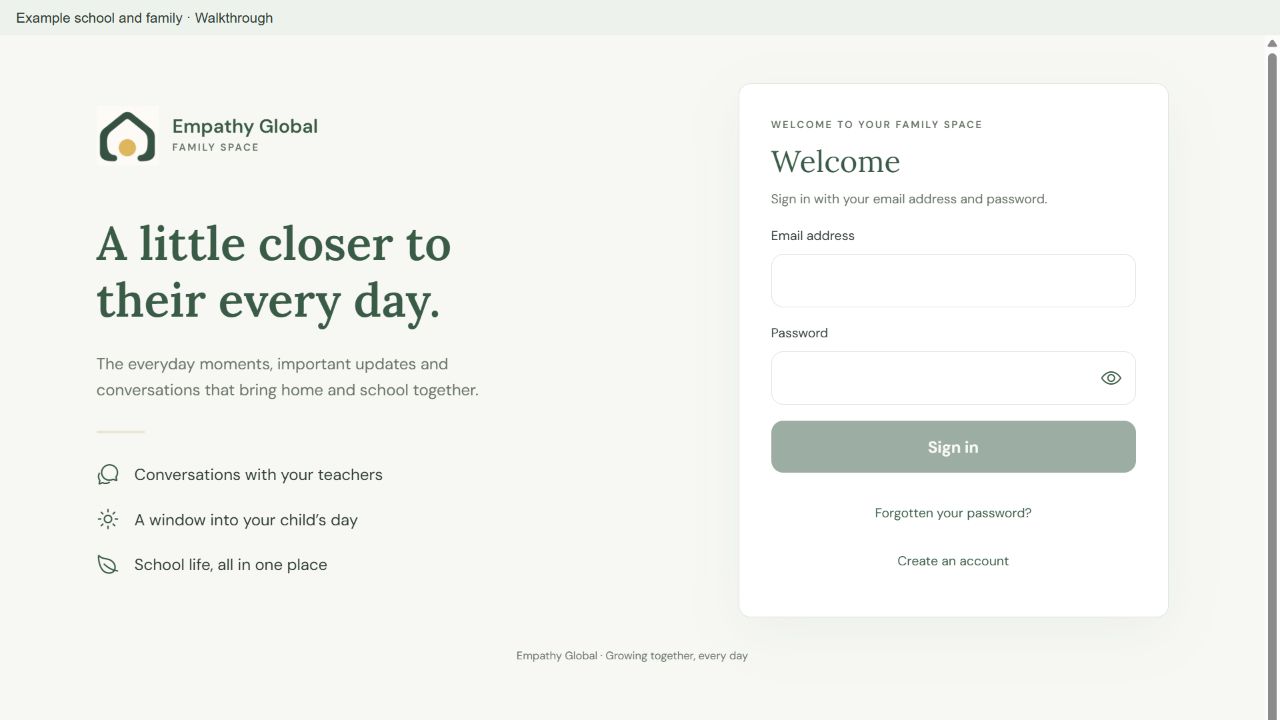
Sign in and find your child’s school
Connect with the right school and recognise your child’s family space.
3 screens · Follow the guide →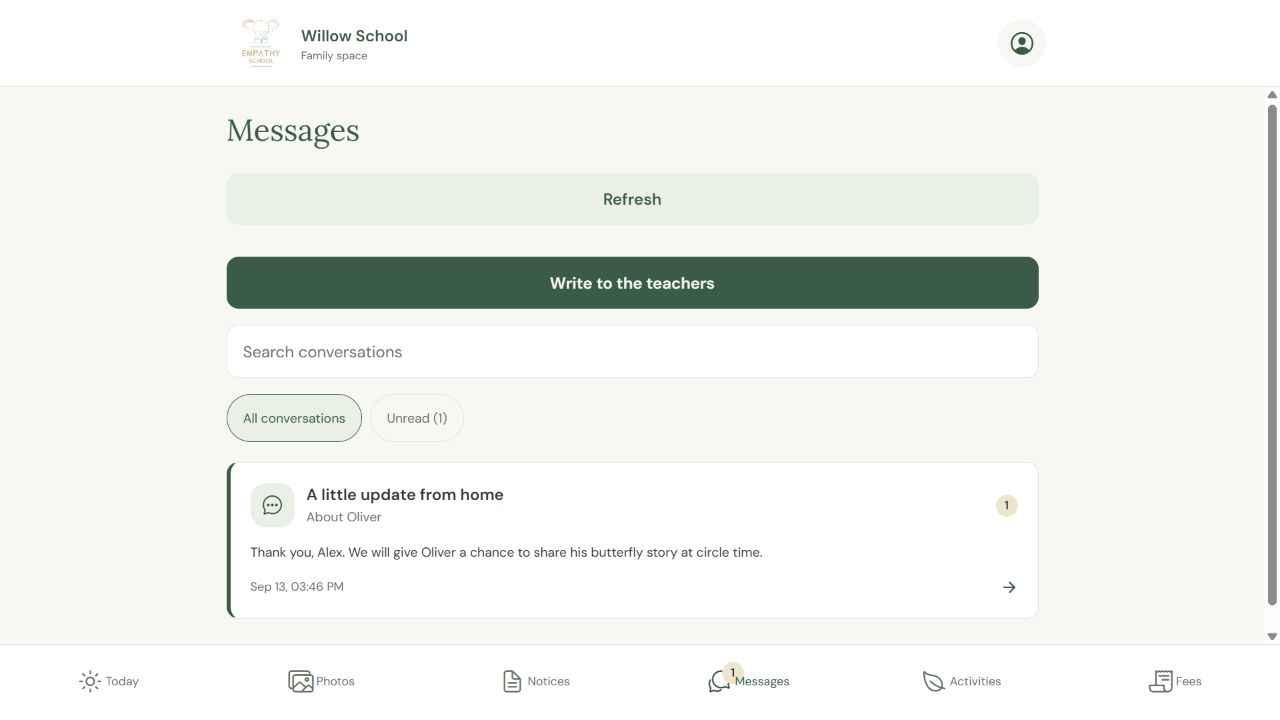
Write to your child’s teachers
Find a conversation, send a question and read the teacher’s reply in the same place.
3 screens · Follow the guide →Read your child’s daily update
Find the right day and read the attendance and note the teacher shared.
2 screens · Follow the guide →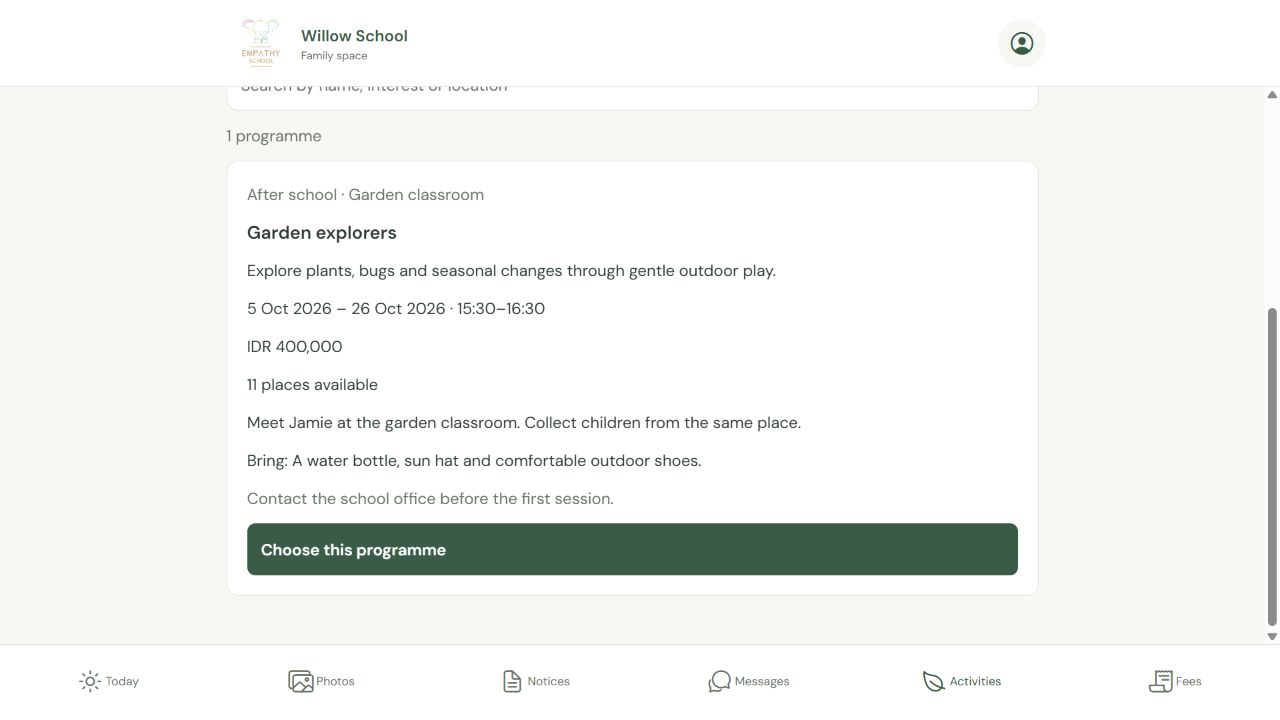
Book a school programme and check your place
Choose a programme and child, review the terms, then find the saved booking.
4 screens · Follow the guide →Check school updates and notices
Catch up with the day and the school information shared with your family.
See how this works →Write to your child's teachers
Keep your question connected to the right child and class.
See how this works →Check fees and receipts
Read the current payment request and the options your school offers.
See how this works →Find your school agreements and documents
Read the paperwork shared with your family and check what needs a response.
See how this works →Choose a meeting time with your school
Find an offered time and check the actual appointment.
See how this works →Your first steps
- Open the Parent app and choose Sign in.
- Use the email address your school has for you.
- On Today, check the child's name and class before reading or writing an update.
- If you have more than one linked child, use Choose a child to switch.
- Open the related guide for updates, messages, activities, fees or documents when you need it.
Questions about Parent
Do I need a school code every time?
Returning parents sign in with their email and password. A code belongs to creating an account or first connecting. Ask the school office if your child is not linked.
Who receives my message?
Messages go to the teachers of the selected child’s class. Check the child and class before sending. Parent messages are text only.
When do photos and daily notes appear?
They appear when the school shares them with your family. Photos also follow the school’s recorded consent and access.
Does a booking request confirm a place?
Review the price and terms, submit the request, then check My bookings for its status. Some programmes offer waiting or interest lists.
Can I pay every fee online?
Payment options depend on the school and request type. Follow the options shown in Fees. Receipts appear for recorded payments.
What if agreement signing is unavailable?
Read the status shown and contact the school office if you need help. A signed copy, completed requirement and exemption are different states.
Detailed guides for Parent
Sign in and find your child’s school
Connect with the right school and recognise your child’s family space.
Step-by-step guide →Read your child’s daily update
Find the right day and read the attendance and note the teacher shared.
Step-by-step guide →Write to your child’s teachers
Find a conversation, send a question and read the teacher’s reply in the same place.
Step-by-step guide →Book a school programme and check your place
Choose a programme and child, review the terms, then find the saved booking.
Step-by-step guide →Check fees and receipts
Read the current payment request and the options your school offers.
Step-by-step guide →Find your school agreements and documents
Read the paperwork shared with your family and check what needs a response.
Step-by-step guide →Choose a meeting time with your school
Find an offered time and check the actual appointment.
Step-by-step guide →