
Empathy Global / Teacher
school accessA calmer school day, one useful update at a time.
Open your classroom, record the day and stay connected with families and your school office.
For teachers using their assigned school account and classes.
Teacher supports your school day. For curriculum preparation and practice, explore ASK for teachers.
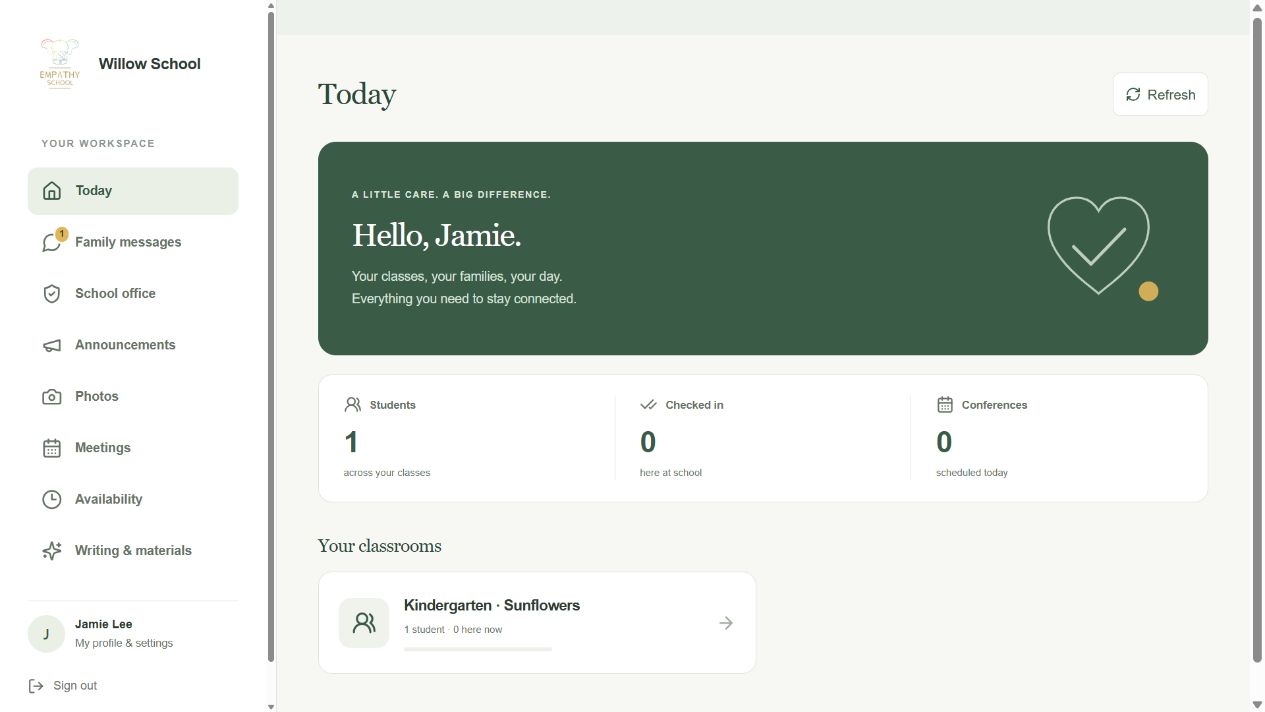
Start the day, record attendance and review photo sharing.
Choose what you need to do
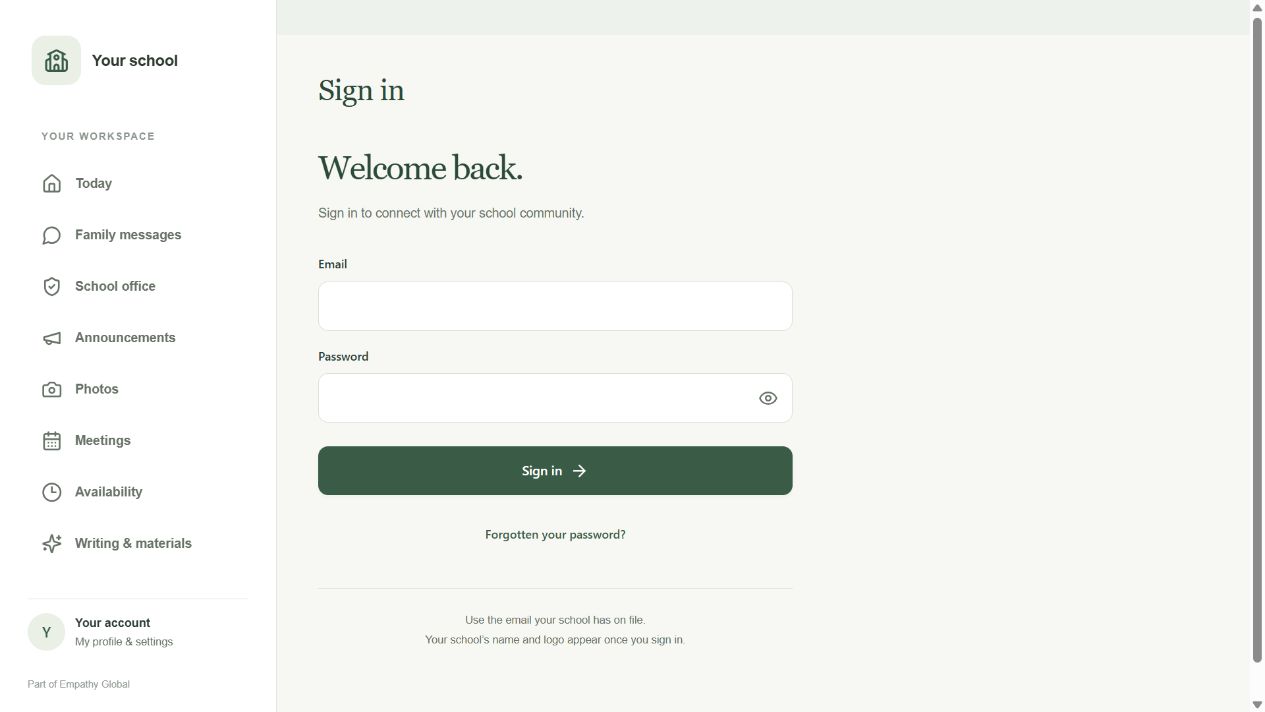
Sign in and open your assigned class
Check your school access and find the children in the class you teach.
3 screens · Follow the guide →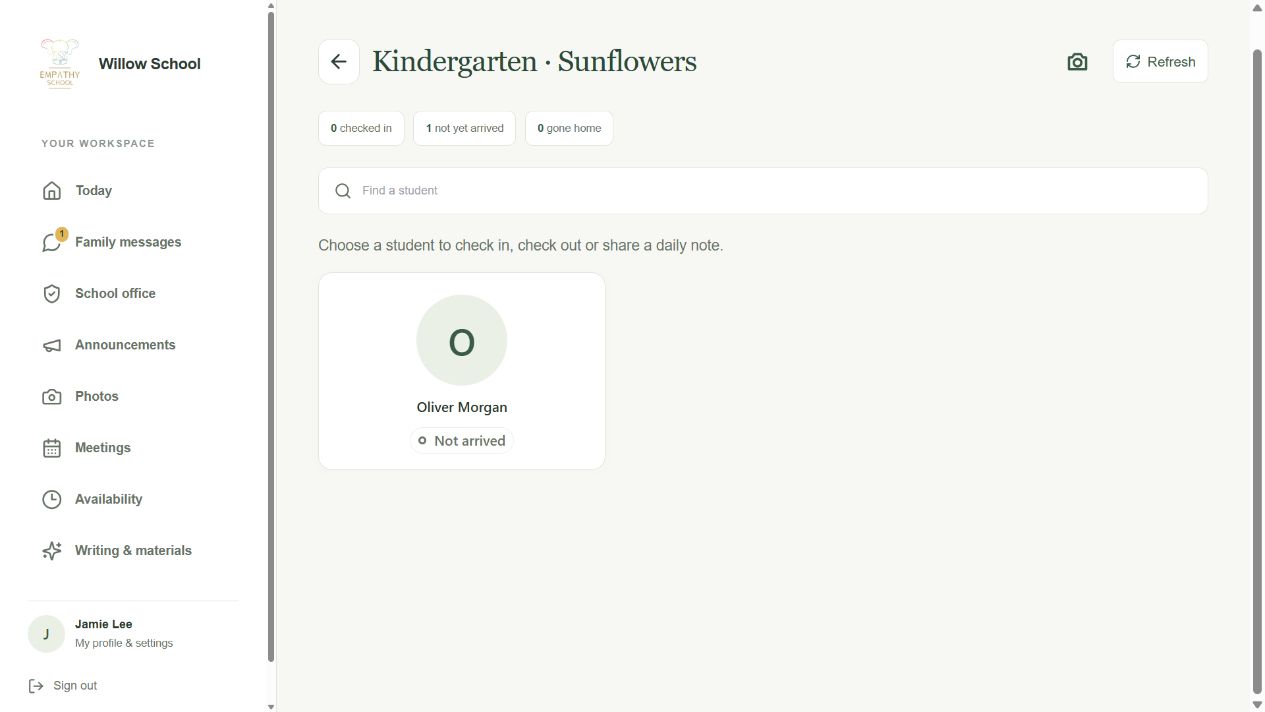
Check a child in and confirm the arrival
Record the correct child’s arrival and check that the class count changes.
4 screens · Follow the guide →Send a daily note to the family
Write a short observation and check the app confirms it was sent.
4 screens · Follow the guide →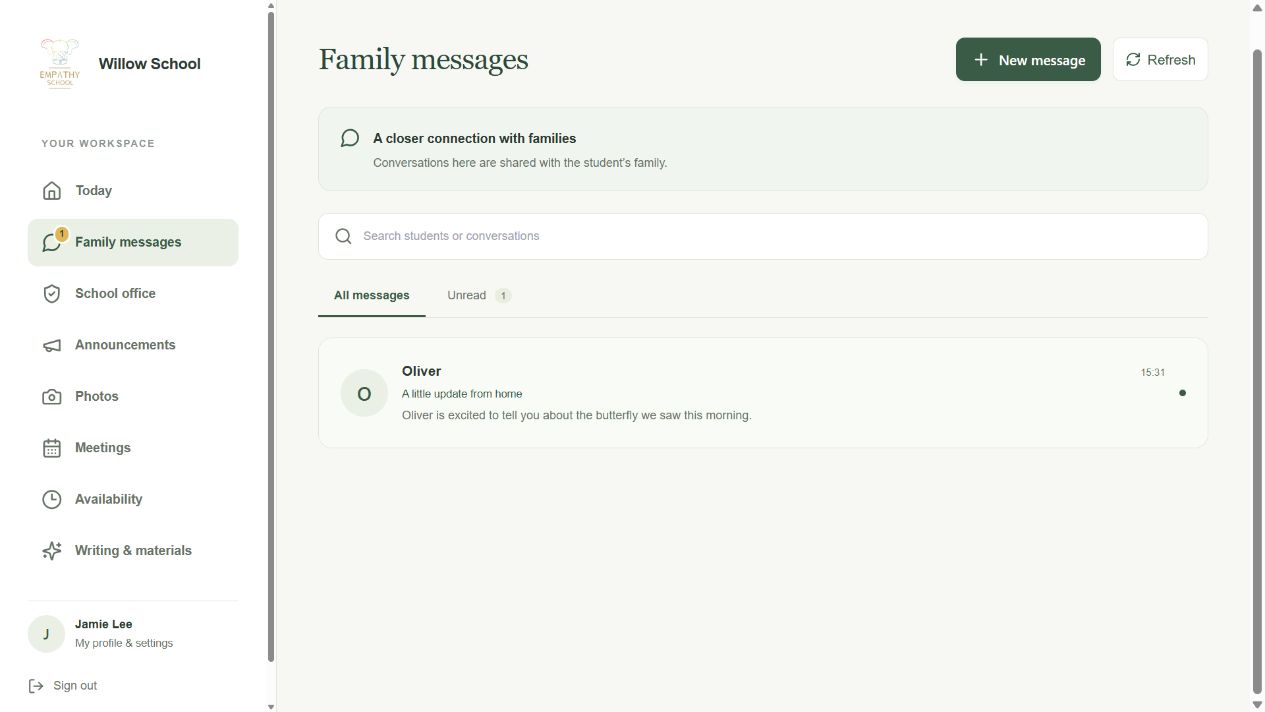
Read and reply to the right family
Follow a parent’s question through to the reply they see in Parent.
4 screens · Follow the guide →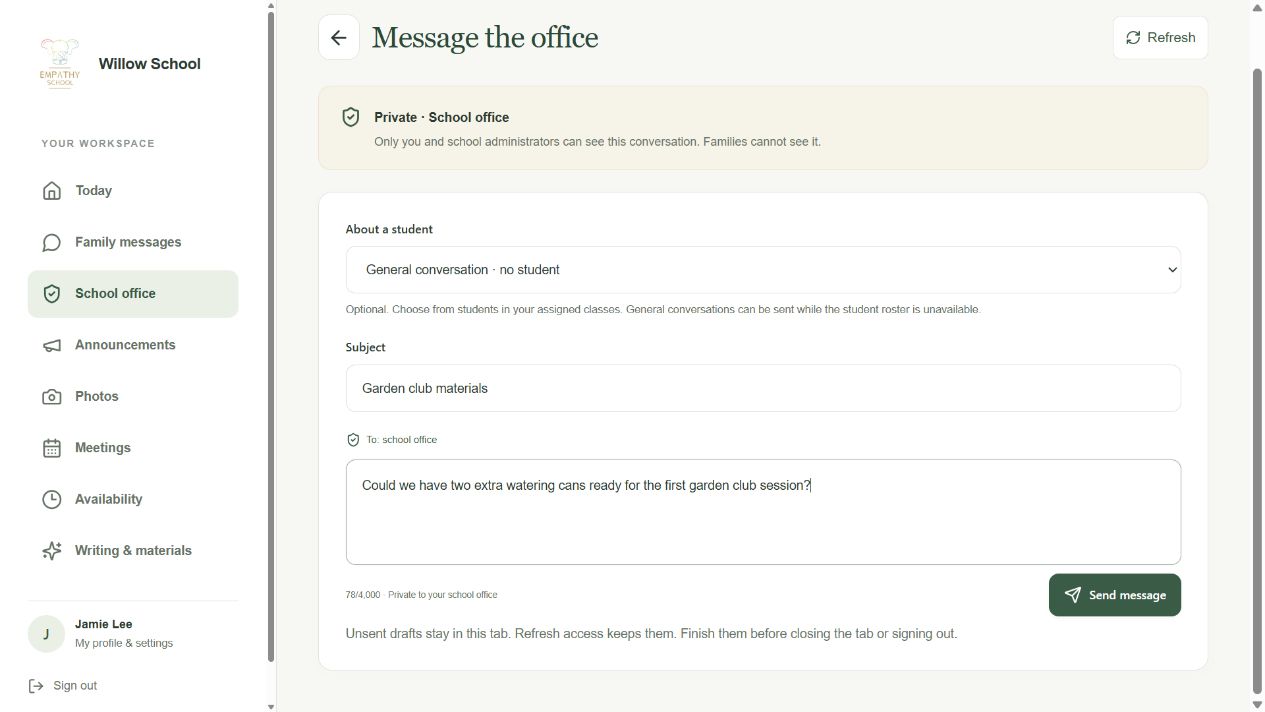
Send a private request to the school office
Choose the office channel and check your request appears in its conversation.
2 screens · Follow the guide →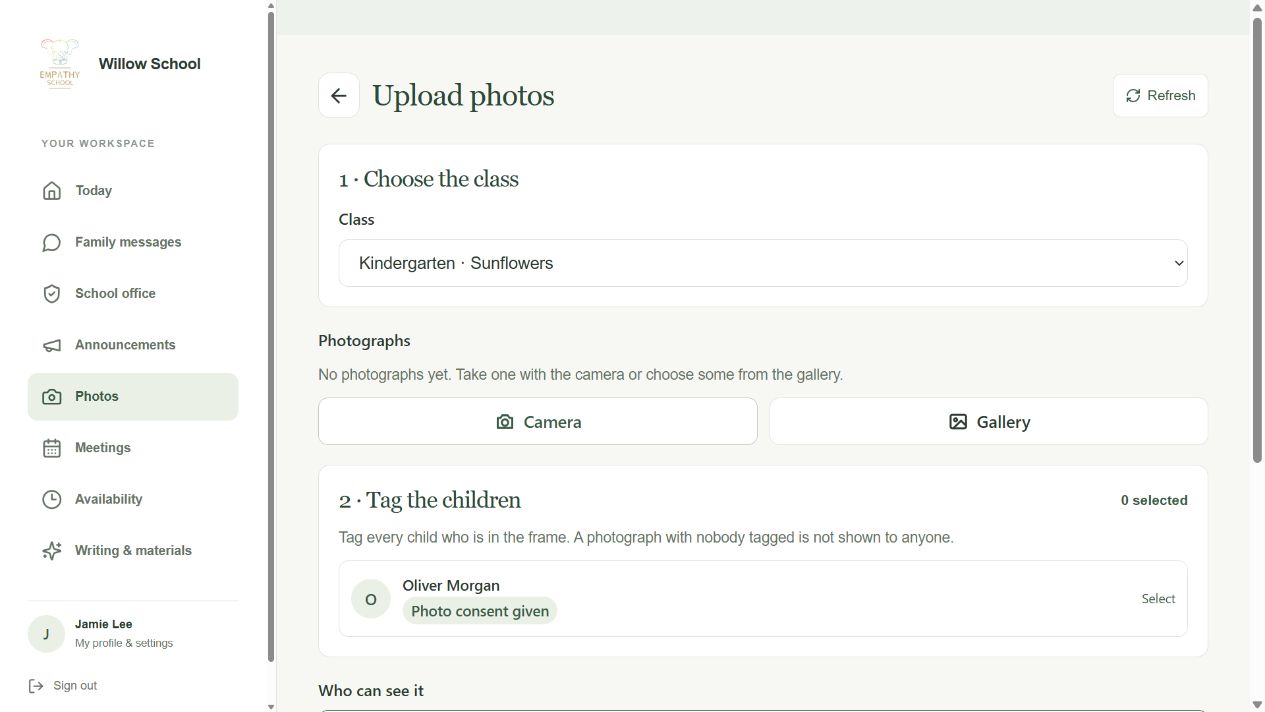
Choose the children and audience for a photo
Review the class, tagged children and intended family audience before posting.
2 screens · Follow the guide →Check the right child in or out
Record an actual arrival or departure for the right child.
See how this works →Reply to the right family
Keep the conversation connected to the intended family.
See how this works →Choose, tag and check your photo
Check the class, children and audience before sharing.
See how this works →Choose the office channel for school support
Use a private school-office conversation for support.
See how this works →Add your times and check your meetings
Add availability and review the meetings the school has booked.
See how this works →Your first steps
- Sign in with your school account.
- On Today, open your classroom under Your classrooms.
- Check that the class and students are the ones you expect.
- Use Find a student to reach the right child quickly.
- Open the related task guide for attendance, daily notes, family messages or photos.
Questions about Teacher
Why is my class missing?
Try Refresh, then ask the school office to check your account and class assignments.
How are Family messages and School office different?
Family messages are shared with the selected child’s family. School office is a private conversation with school administrators.
Has the office read a saved message?
A saved message confirms it was recorded. Contact the school directly for urgent matters; saving does not establish notification delivery or that someone read it.
Can I work when the connection drops?
Some actions wait in the outbox and drafts can remain in the open tab. Check each status. Office messages, availability and writing help require a connection.
Can I write messages myself?
Yes. Writing help is optional. You review the wording and decide whether to send it.
Where do I prepare Empathy lessons?
Use ASK for teachers. Teacher’s Writing & materials area supports messages and small classroom materials.
Detailed guides for Teacher
Sign in and open your assigned class
Check your school access and find the children in the class you teach.
Step-by-step guide →Check a child in and confirm the arrival
Record the correct child’s arrival and check that the class count changes.
Step-by-step guide →Send a daily note to the family
Write a short observation and check the app confirms it was sent.
Step-by-step guide →Read and reply to the right family
Follow a parent’s question through to the reply they see in Parent.
Step-by-step guide →Choose the children and audience for a photo
Review the class, tagged children and intended family audience before posting.
Step-by-step guide →Send a private request to the school office
Choose the office channel and check your request appears in its conversation.
Step-by-step guide →Add your times and check your meetings
Add availability and review the meetings the school has booked.
Step-by-step guide →Prepare classroom writing and materials
Use optional help for a message or a small classroom material.
Step-by-step guide →