
How to use Parent
See the updates your school shares, write to your child’s teachers and keep programmes and paperwork together.
Choose what you need to do
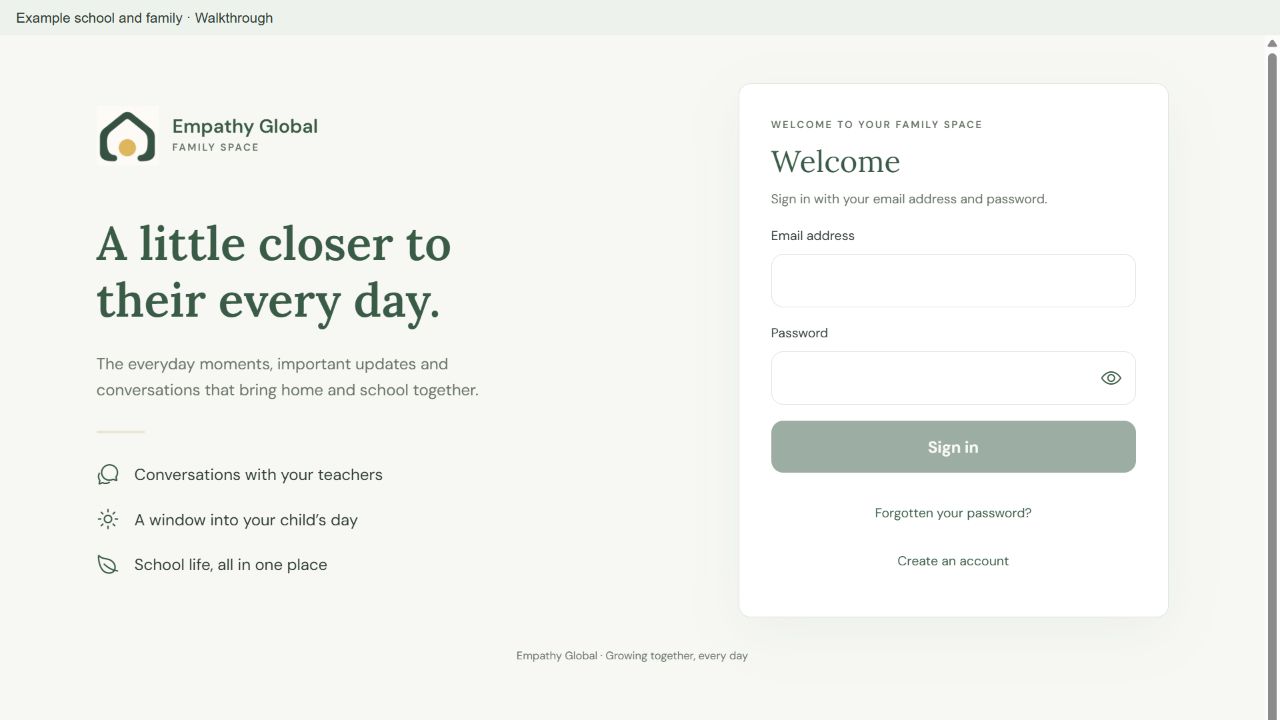
Sign in and find your child’s school
Connect with the right school and recognise your child’s family space.
3 screens · Follow the guide →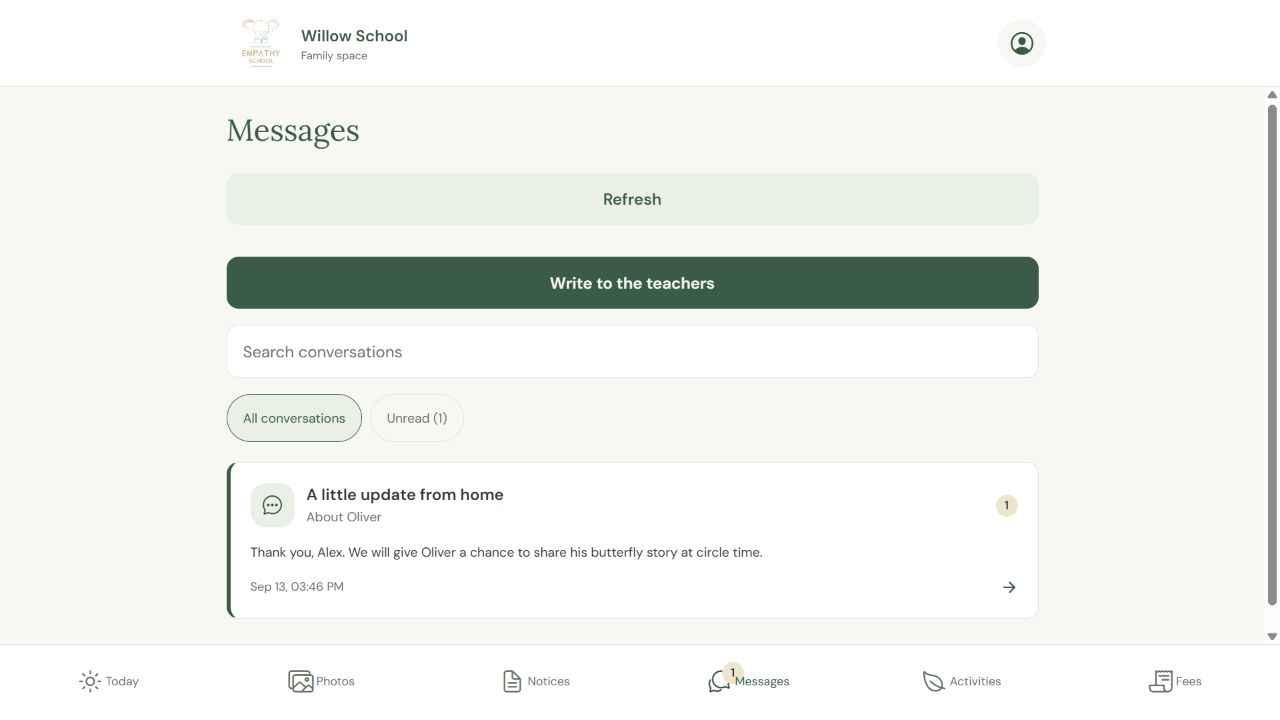
Write to your child’s teachers
Find a conversation, send a question and read the teacher’s reply in the same place.
3 screens · Follow the guide →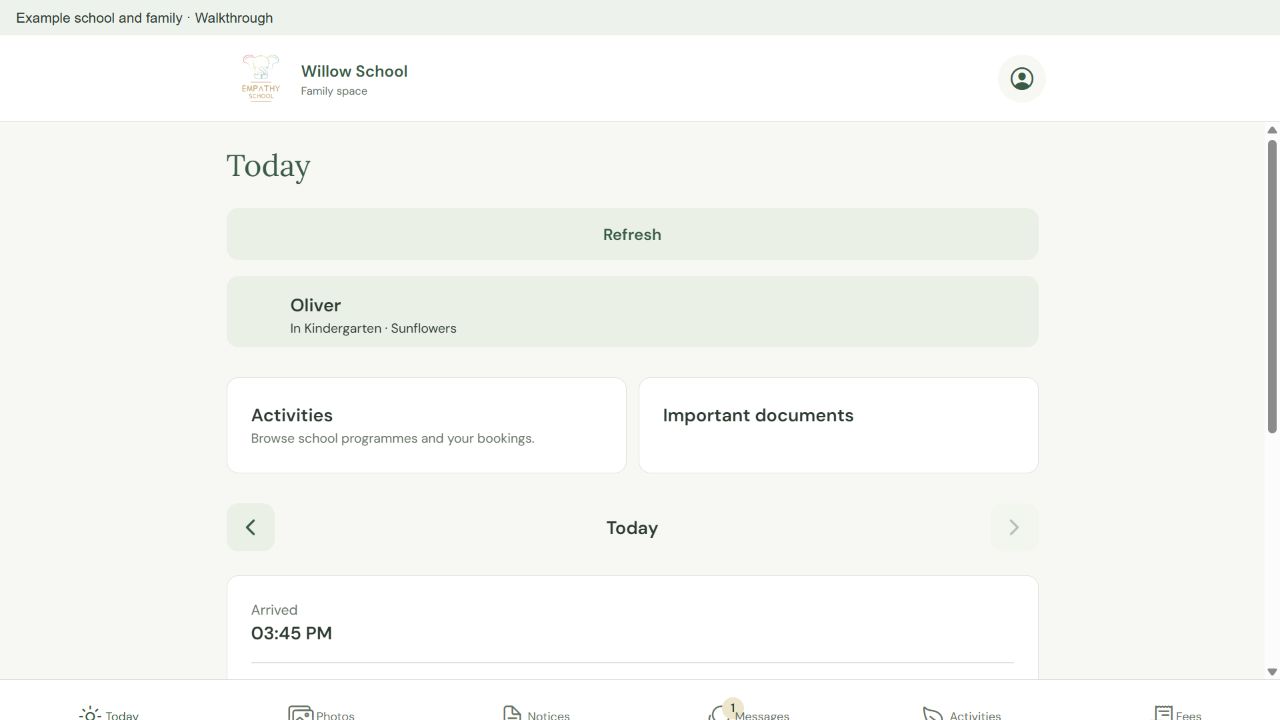
Read your child’s daily update
Find the right day and read the attendance and note the teacher shared.
2 screens · Follow the guide →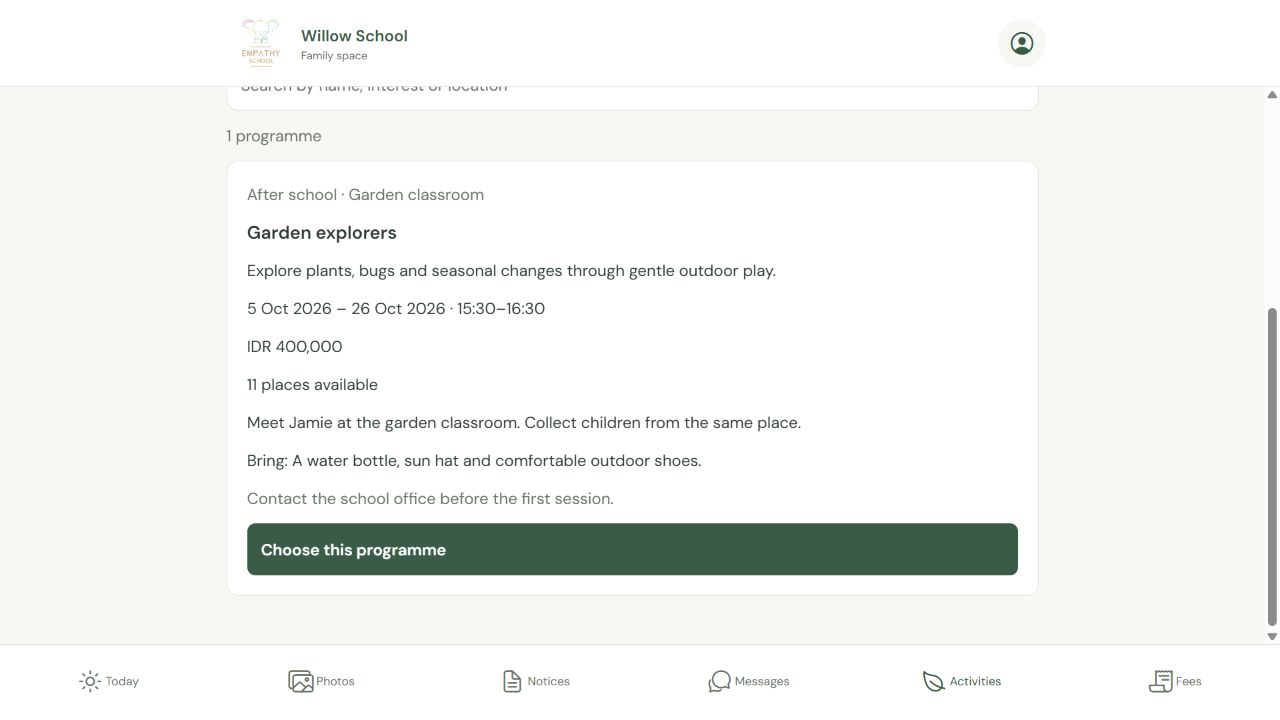
Book a school programme and check your place
Choose a programme and child, review the terms, then find the saved booking.
4 screens · Follow the guide →All Parent instructions
Sign in and find your child’s school
Connect with the right school and recognise your child’s family space.
Read the instructions →Parents and guardiansRead your child’s daily update
Find the right day and read the attendance and note the teacher shared.
Read the instructions →Parents and guardiansWrite to your child’s teachers
Find a conversation, send a question and read the teacher’s reply in the same place.
Read the instructions →Parents and guardiansBook a school programme and check your place
Choose a programme and child, review the terms, then find the saved booking.
Read the instructions →Parents and guardiansCheck fees and receipts
Read the current payment request and the options your school offers.
Read the instructions →Parents and guardiansFind your school agreements and documents
Read the paperwork shared with your family and check what needs a response.
Read the instructions →Parents and guardiansChoose a meeting time with your school
Find an offered time and check the actual appointment.
Read the instructions →