
ASK for teachers · Teachers
Choose five wordless cards
4 of 4Task index
Choose a number to see the detail.
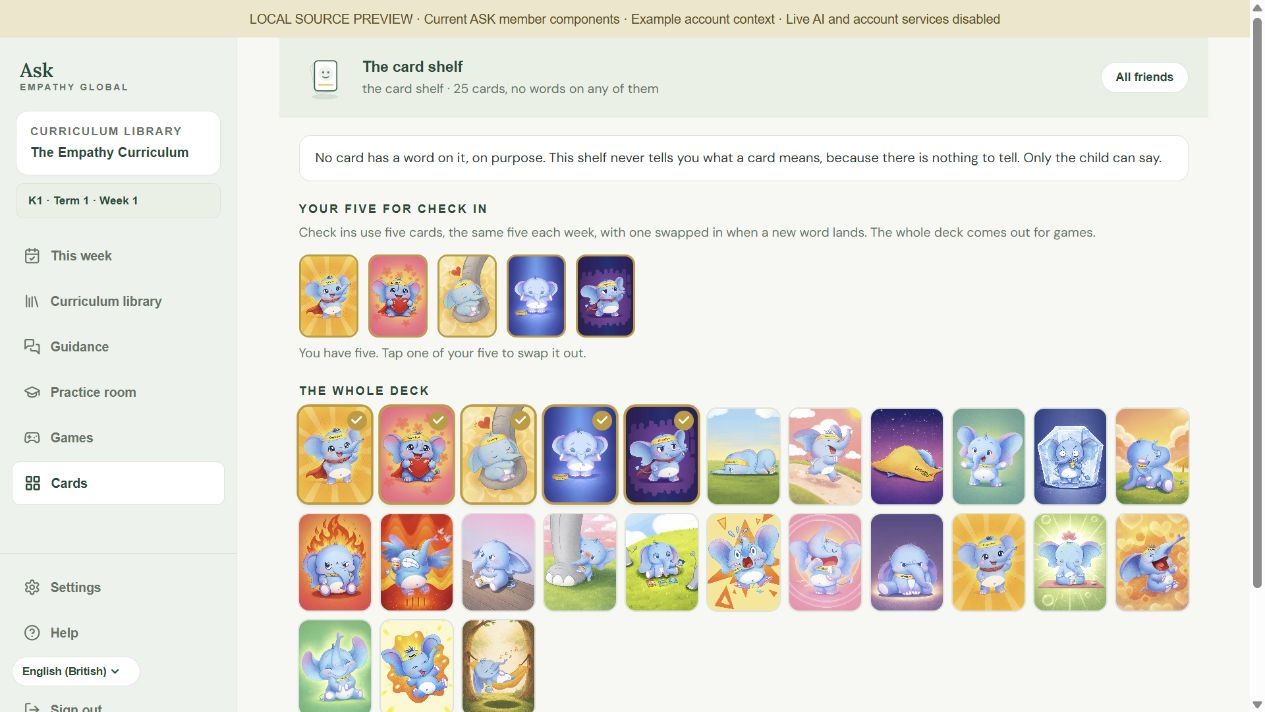
Choose cards from the deck for your check-in.
Tap a selected card, then choose another.
Leaving this page clears your chosen five.
ASK for teachers · Teachers
Choose cards from the deck for your check-in.
Tap a selected card, then choose another.
Leaving this page clears your chosen five.