
School leaders
Run the school day
Find your task, follow the screens and check the result.
Choose what you need to do
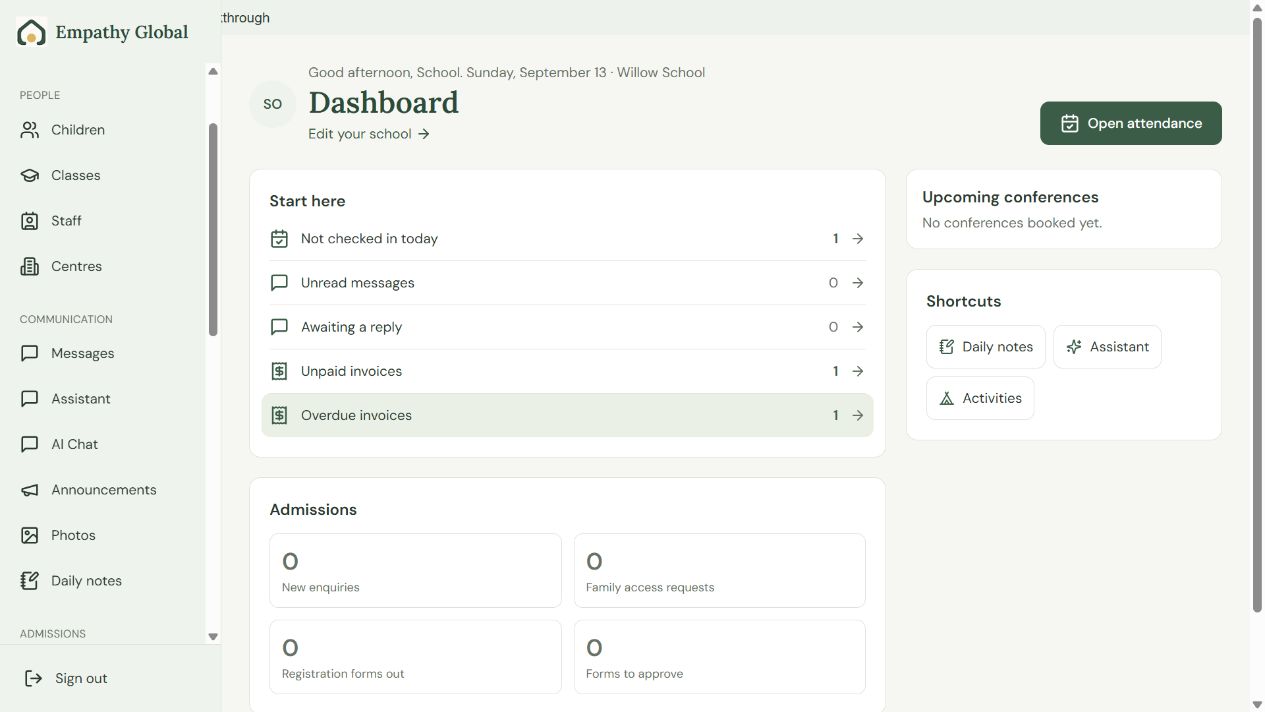
Get started with Beacon
Find your school’s next task and connect the people who need access.
3 screens · Follow the guide →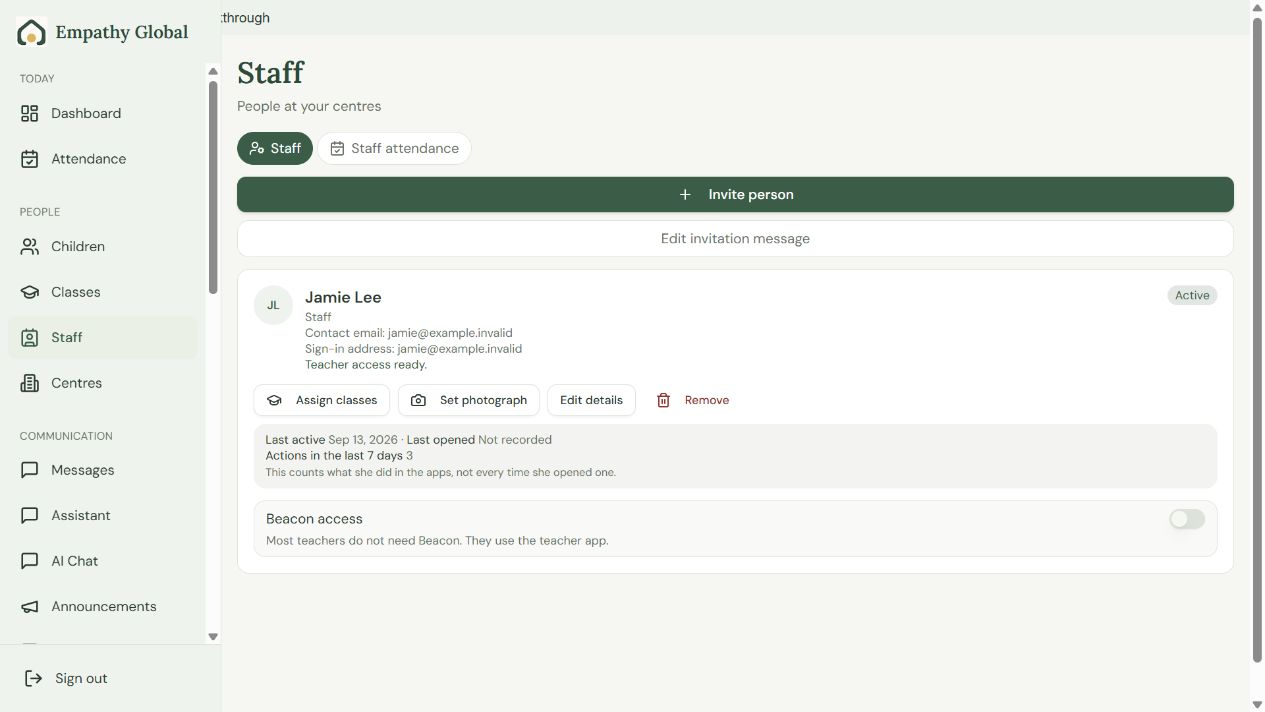
Invite teachers and assign classes in Beacon
Connect the right account, choose its school role and check the teacher can open the assigned class.
5 screens · Follow the guide →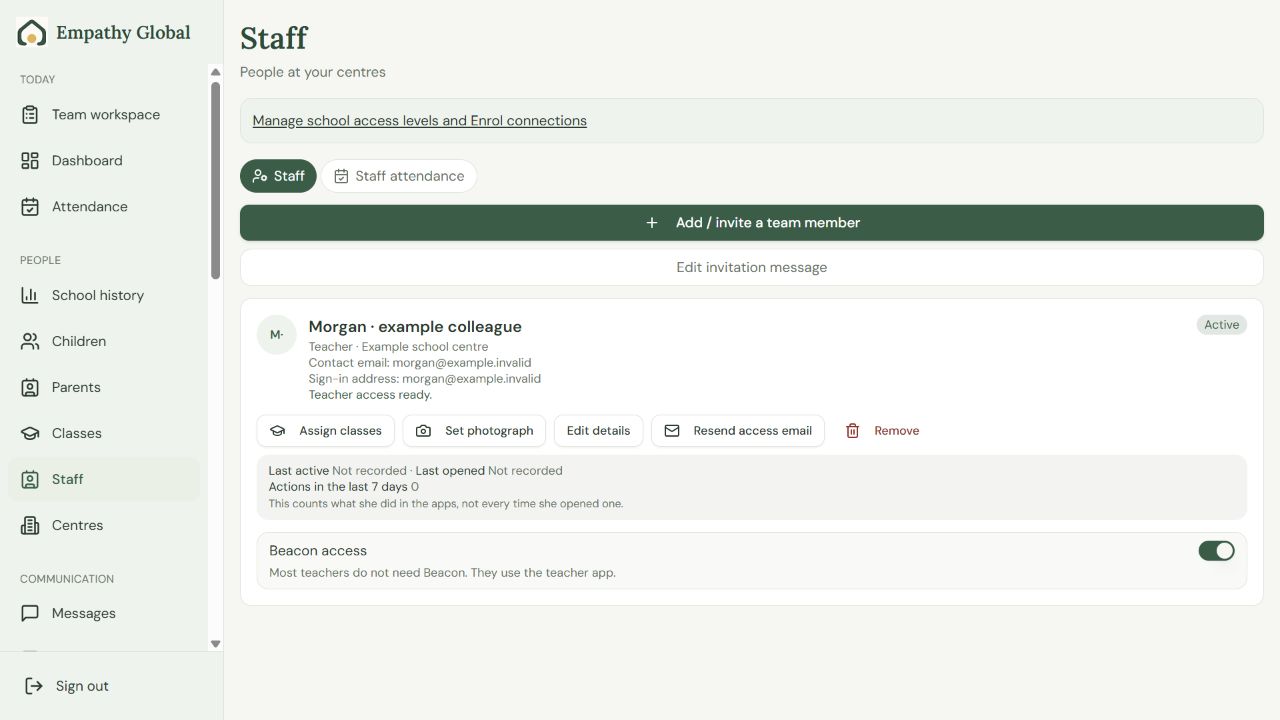
Staff roles and permissions
Choose the right school access for each colleague, then follow the screens to assign it.
3 screens · Follow the guide →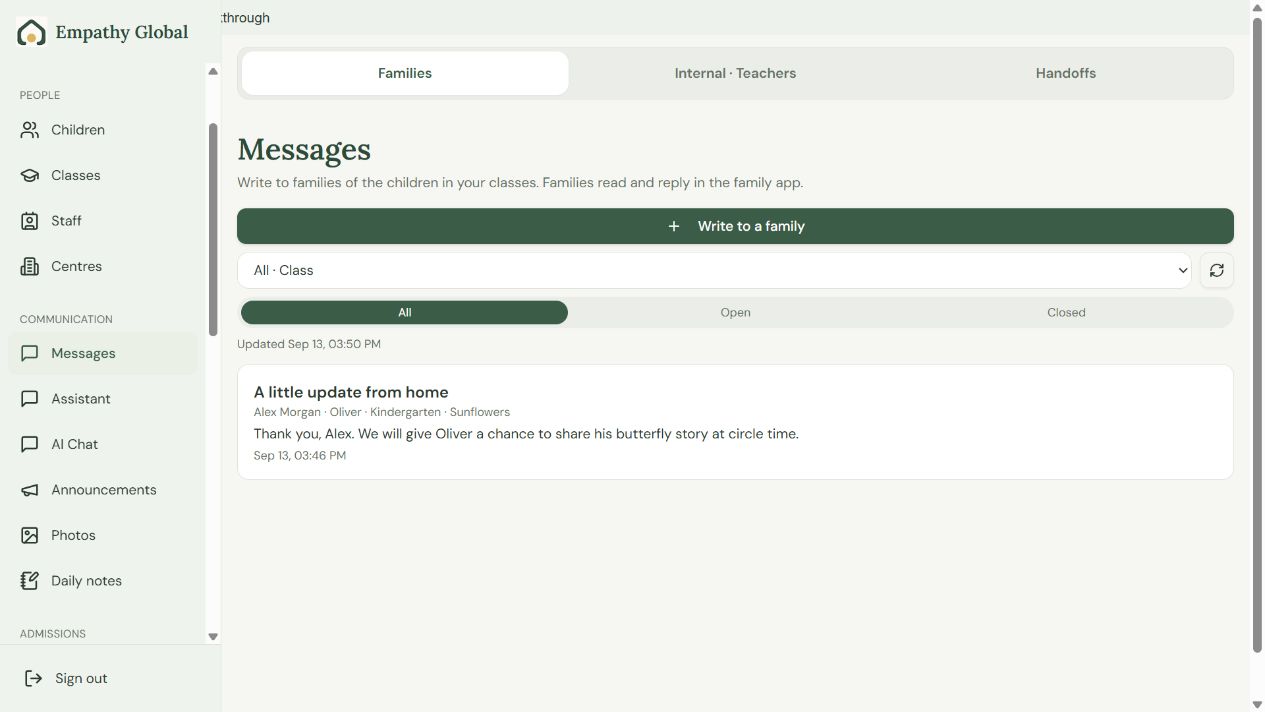
Follow a family conversation across the apps
See the same family question and teacher reply in Beacon, Teacher and Parent.
6 screens · Follow the guide →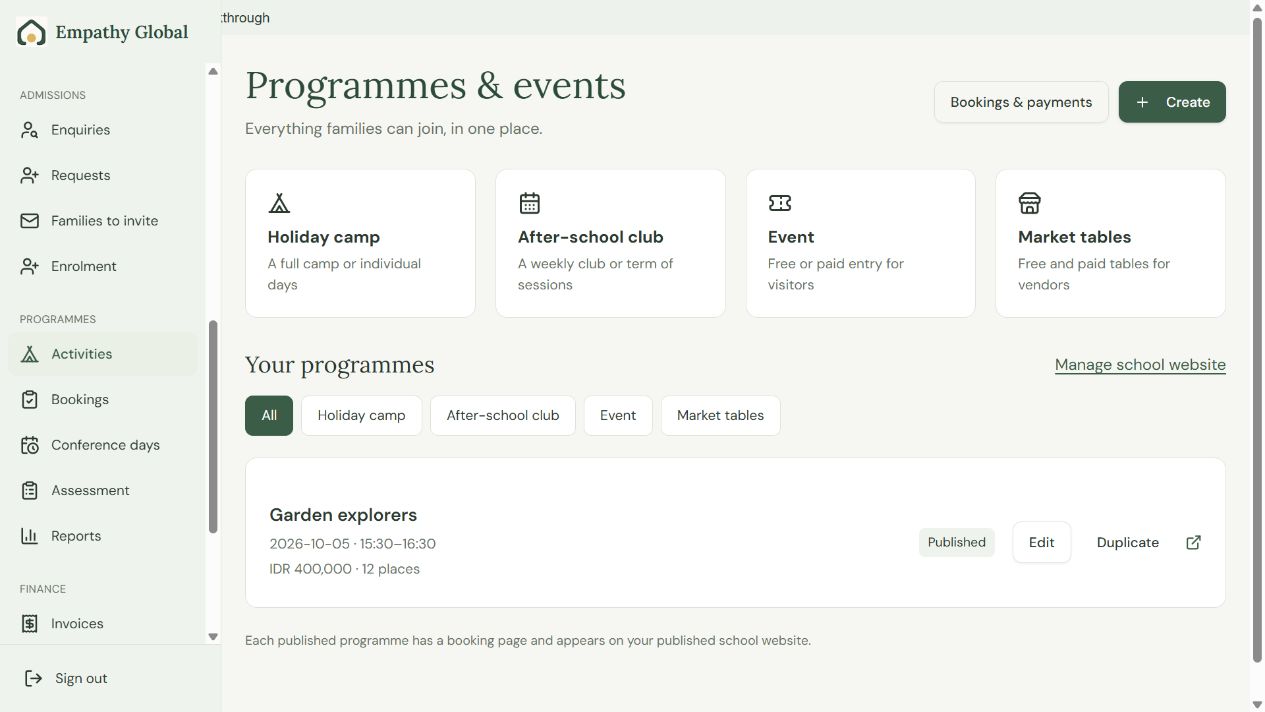
Create an after-school programme and take a booking
Set up an offer, follow an existing family’s booking and find the child on the school roster.
13 screens · Follow the guide →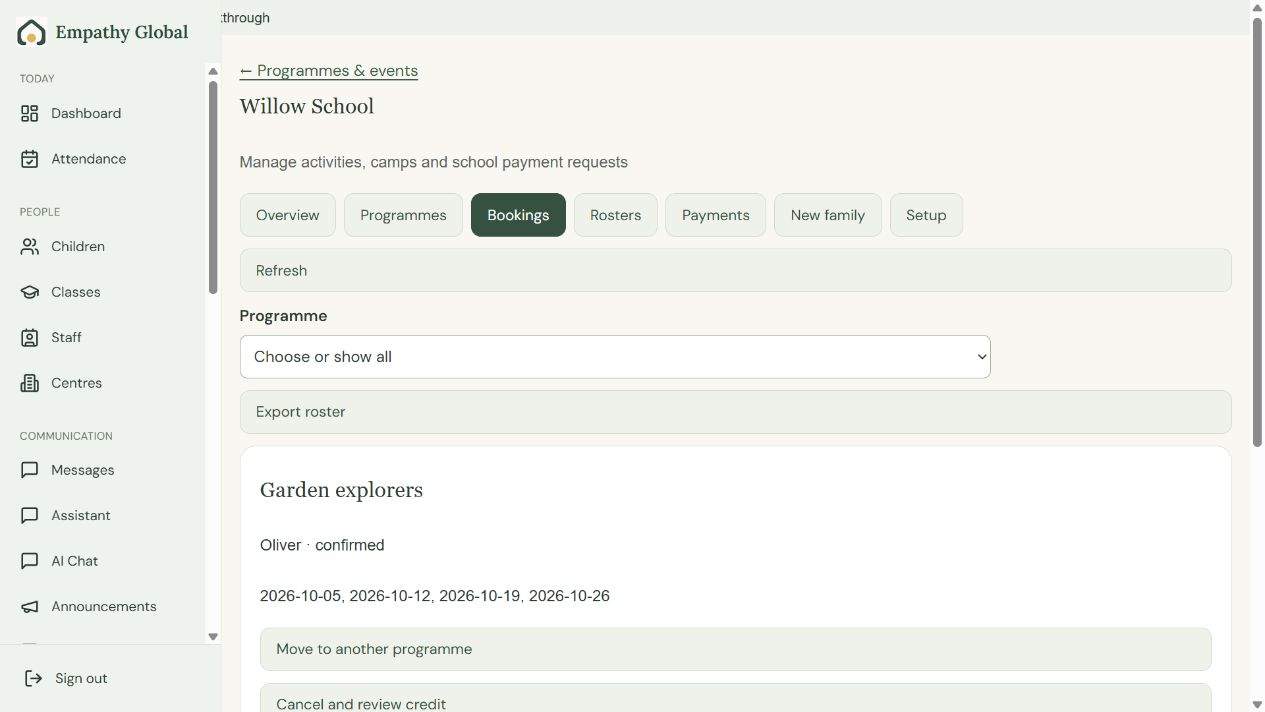
Find a booking and check the programme roster
Check who is attending, the included sessions and the current place and payment status.
3 screens · Follow the guide →