
How to use Beacon
School records, family communication, programmes, bookings and finance in one administration app.
Choose what you need to do
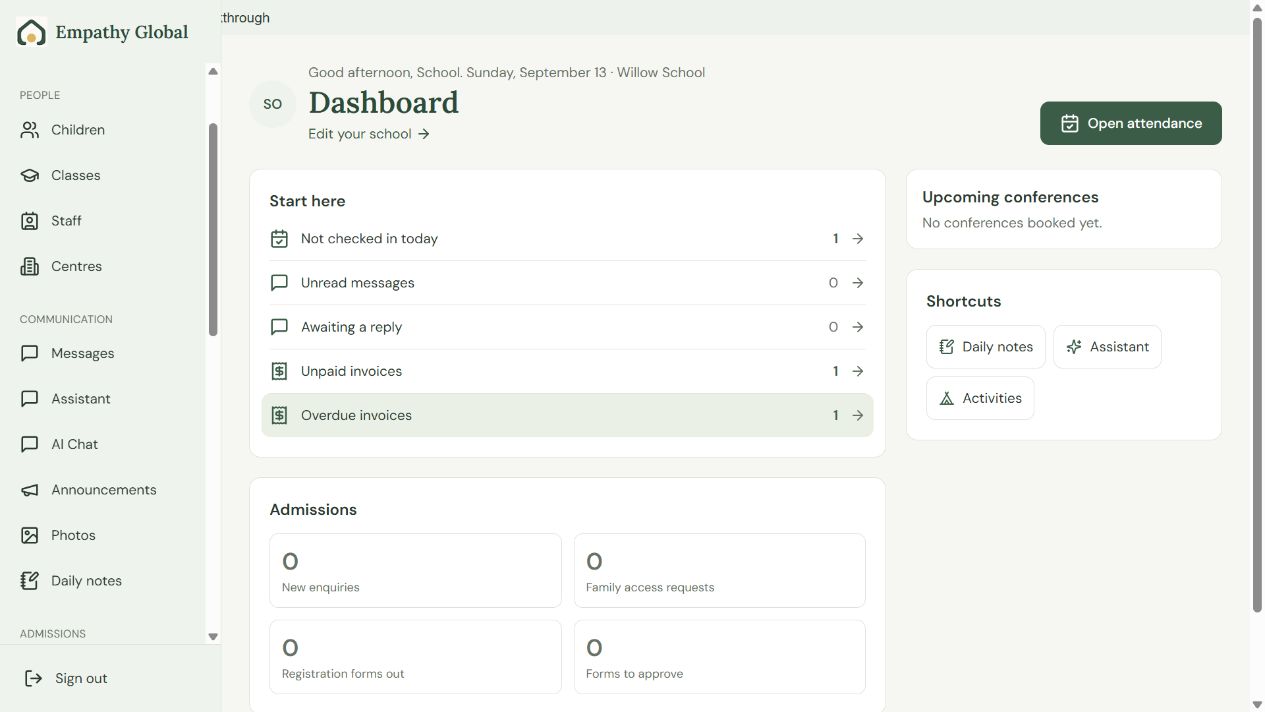
Get started with Beacon
Find your school’s next task and connect the people who need access.
3 screens · Follow the guide →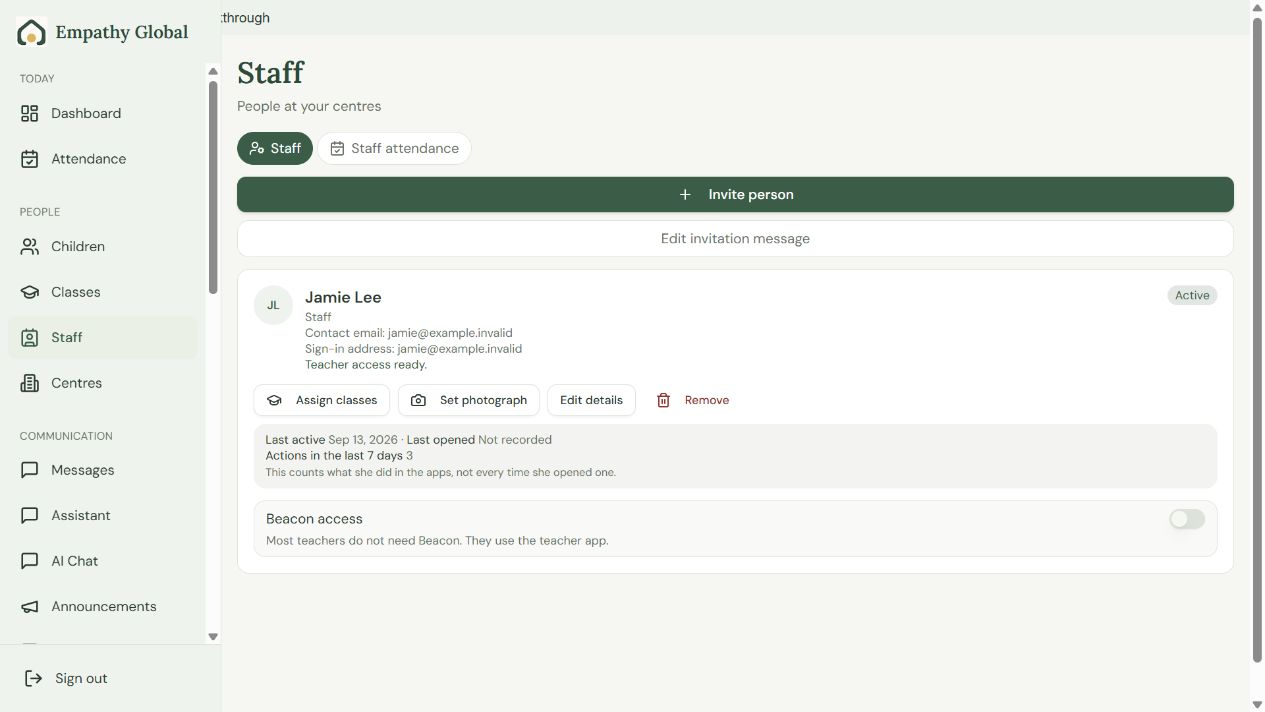
Invite teachers and assign classes in Beacon
Connect the right account, choose its school role and check the teacher can open the assigned class.
5 screens · Follow the guide →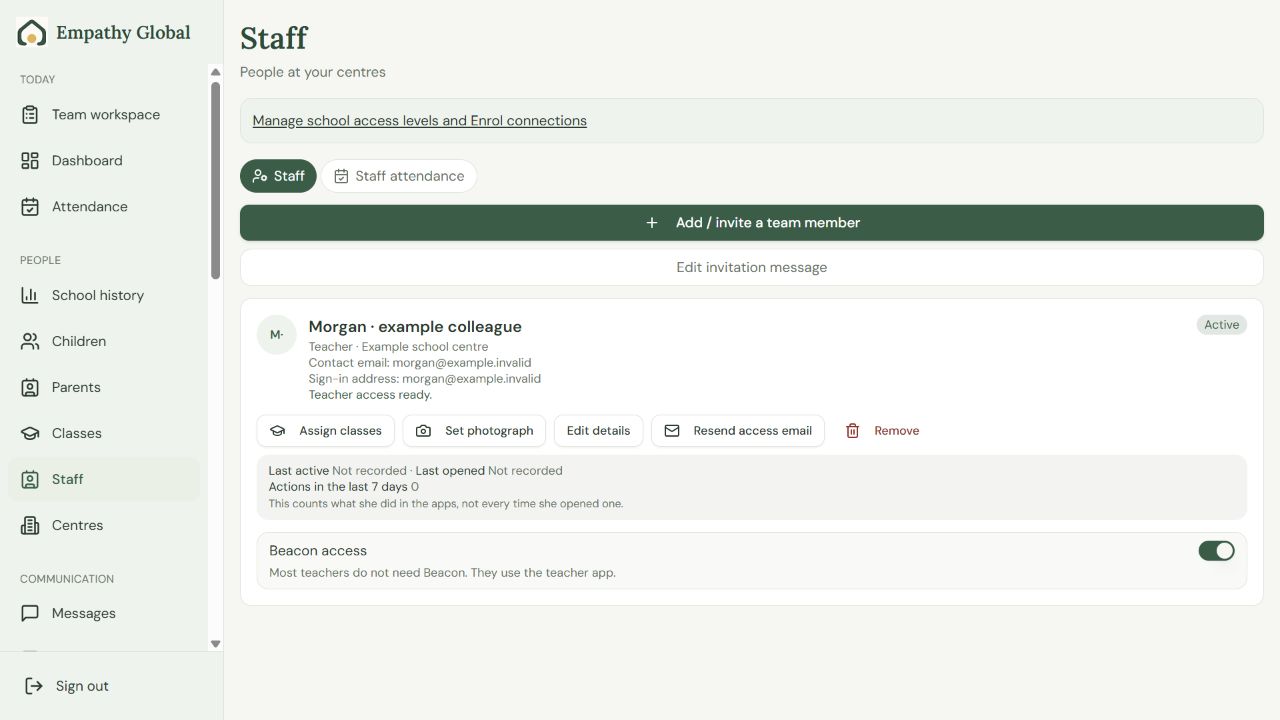
Staff roles and permissions
Choose the right school access for each colleague, then follow the screens to assign it.
3 screens · Follow the guide →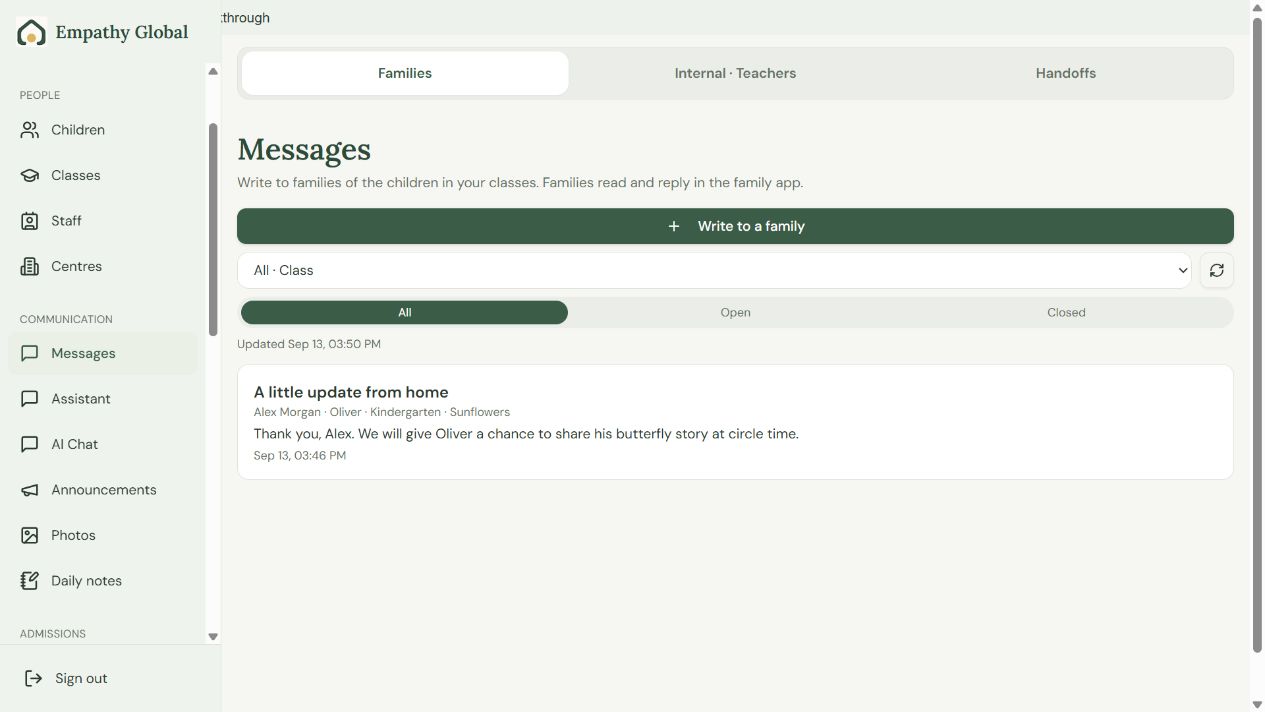
Follow a family conversation across the apps
See the same family question and teacher reply in Beacon, Teacher and Parent.
6 screens · Follow the guide →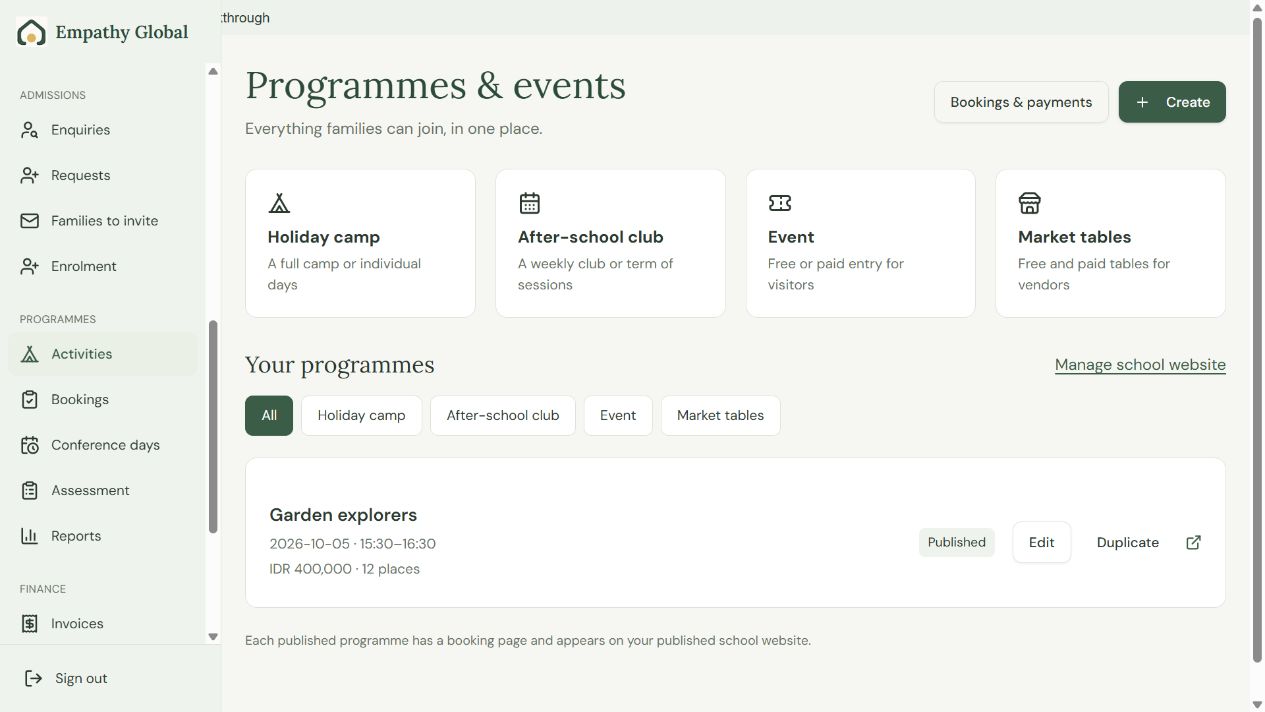
Create an after-school programme and take a booking
Set up an offer, follow an existing family’s booking and find the child on the school roster.
13 screens · Follow the guide →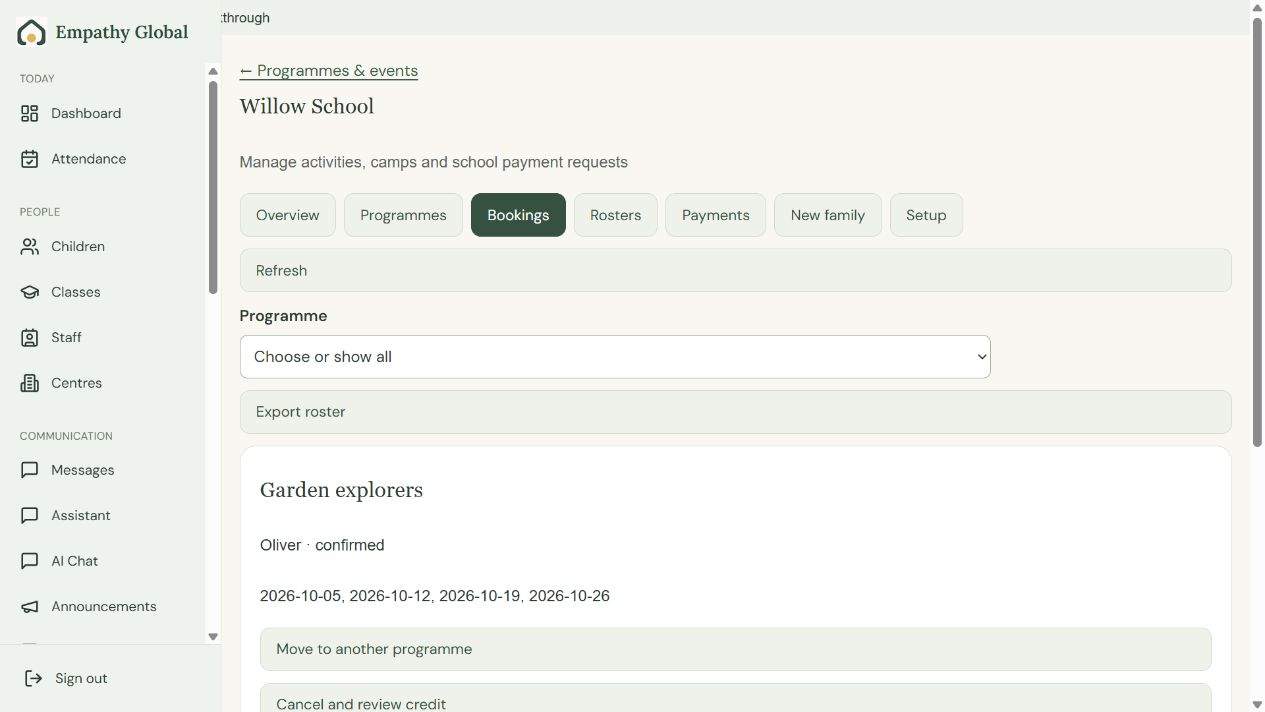
Find a booking and check the programme roster
Check who is attending, the included sessions and the current place and payment status.
3 screens · Follow the guide →All Beacon instructions
Get started with Beacon
Find your school’s next task and connect the people who need access.
Read the instructions →School administrators and leadersLearn with test examples
Try a supported task in isolated examples before returning to your real school.
Read the instructions →School administrators and leadersAdd a child and review their profile
Keep the child’s school information in the correct place.
Read the instructions →School administrators and leadersSet up a class
Organise children and staff around the class they attend.
Read the instructions →School administrators and leadersRecord arrivals and departures
Keep an accurate attendance record for the selected class and day.
Read the instructions →School administrators and leadersWrite a daily note
Share a clear account of the child’s day.
Read the instructions →School administrators and leadersShare a class photograph
Choose the audience and check permission before posting.
Read the instructions →School administrators and leadersSend a school announcement
Share a message with the intended families.
Read the instructions →School administrators and leadersFollow a family conversation across the apps
See the same family question and teacher reply in Beacon, Teacher and Parent.
Read the instructions →School administrators and leadersPrepare a message with the Assistant
Use a common message or get help turning notes into a draft.
Read the instructions →School administrators and leadersPrepare a classroom printable
Create a material for a generic teaching topic.
Read the instructions →School administrators and leadersGive an admissions enquiry a next step
Record the next action for an interested family.
Read the instructions →School administrators and leadersReview a family access request
Match the requesting adult to the family record the school already holds.
Read the instructions →School administrators and leadersInvite families to their school account
Give the right adult a route to their existing family records.
Read the instructions →School administrators and leadersReview a family’s registration
Review the registration form and the school’s part before approving a place.
Read the instructions →School administrators and leadersCreate an after-school programme and take a booking
Set up an offer, follow an existing family’s booking and find the child on the school roster.
Read the instructions →School administrators and leadersFind a booking and check the programme roster
Check who is attending, the included sessions and the current place and payment status.
Read the instructions →School teams reviewing the family experienceSee how families book a programme
The Parent guide shows the family’s programme journey.
Read the instructions →School administrators and leadersRecord programme payments credits and refunds
Keep programme charges and money movements consistent.
Read the instructions →School administrators and leadersIssue and review a tuition invoice
Create a charge for an enrolled child.
Read the instructions →School administrators and leadersSet fees discounts and monthly billing
Prepare recurring charges and review a billing run before creating invoices.
Read the instructions →School administrators and leadersReview balances statements and finance reports
Understand what a family owes and what has been received.
Read the instructions →School administrators and leadersChoose the right finance correction
Preserve the transaction history when an amount needs correction.
Read the instructions →School administrators and leadersSet up a family conference window
Create appointment availability for the intended teacher and class.
Read the instructions →School administrators and leadersRecord learning observations and reports
Use the school’s assessment structure to document observed learning.
Read the instructions →School administrators and leadersReview attendance for your school
Review attendance patterns for a month or child.
Read the instructions →School administrators and leadersInvite teachers and assign classes in Beacon
Connect the right account, choose its school role and check the teacher can open the assigned class.
Read the instructions →School administrators and IT leadsStaff roles and permissions
Choose the right school access for each colleague, then follow the screens to assign it.
Read the instructions →School administrators and leadersMaintain centres and account preferences
Keep centre information and personal settings in their proper places.
Read the instructions →School administrators and leadersPublish the school website
Prepare the public information families should see.
Read the instructions →School administrators and leadersSet up a programme registration website
Give families a focused registration page for a centre or programme.
Read the instructions →School administrators and leadersRecover access to your school account
Reset a password and follow the correct office, teacher or family destination.
Read the instructions →School administrators and leadersPublish a document for families
Share a reviewed school document with the right audience.
Read the instructions →School administrators and leadersChange an existing child enrolment
Update the school place already recorded for a child.
Read the instructions →School administrators and leadersReview a programme roster
Find the children expected at a programme session.
Read the instructions →School administrators and leadersOffer an available programme place
Review the waiting list and the conditions for a place.
Read the instructions →School administrators and leadersUpdate the school profile in Beacon
Keep the school identity and contact information current.
Read the instructions →School administrators and leadersCheck your school’s payment setup
Review the supported provider and its readiness for the school.
Read the instructions →